

Transporting a computer — what should I watch for?
6 May 2023
There are plenty of situations where you need to transport a computer or laptop: moving to a new home or office, changing desks, moving it to another part of the same building, traveling, or simply taking it in for service. In every case, careless handling can damage the components — even a small knock.
What can go wrong
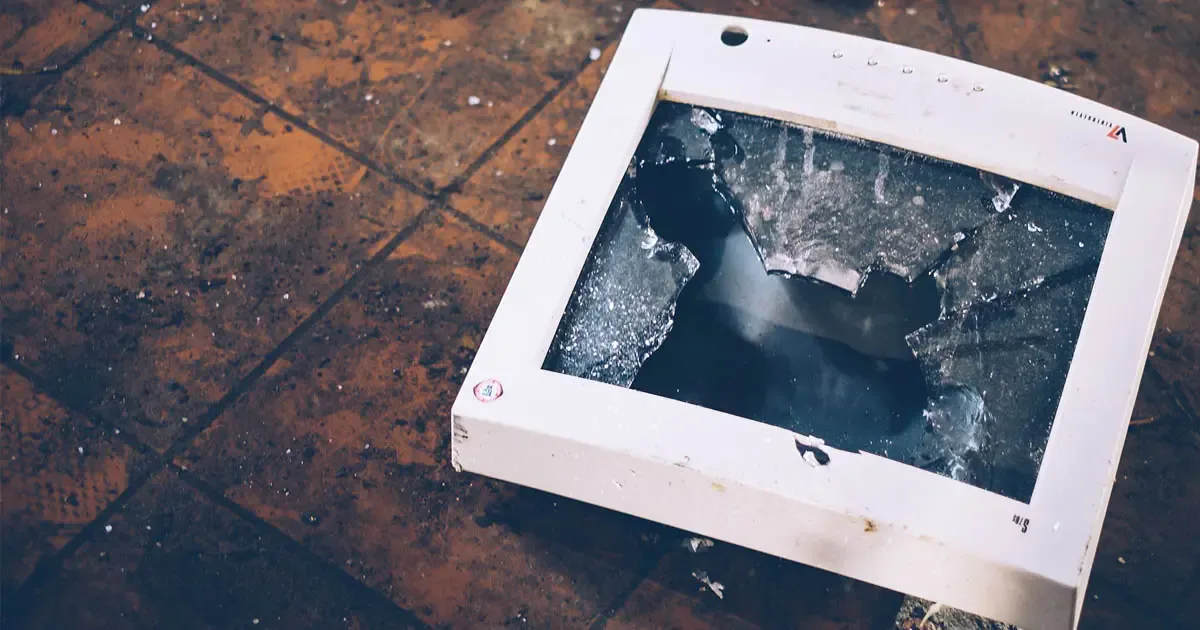
Vibration, drops or impacts can damage internal components, while extreme temperature or humidity affect the electronics. Mishandling can also damage power cables, display cables, or connections to other equipment.
How to transport your computer properly
- Protective case. Use a padded bag or box that absorbs shocks and drops.
- Cables. Disconnect all cables (power, HDMI, USB) and coil them separately so they don’t tangle or get pulled during transport.
- Battery. If it’s removable, take it out before transport.
- Original packaging. If you still have it, it’s almost always the safest option — it was designed specifically for that device.
- Desktop towers: always transport them upright, never on their side or upside down, and avoid placing anything heavy on top.
- Before reconnecting, let the device return to room temperature if it traveled through cold or heat, before powering it on.
A little care during transport saves time, cost and stress — especially when it’s the equipment your day-to-day work depends on.