

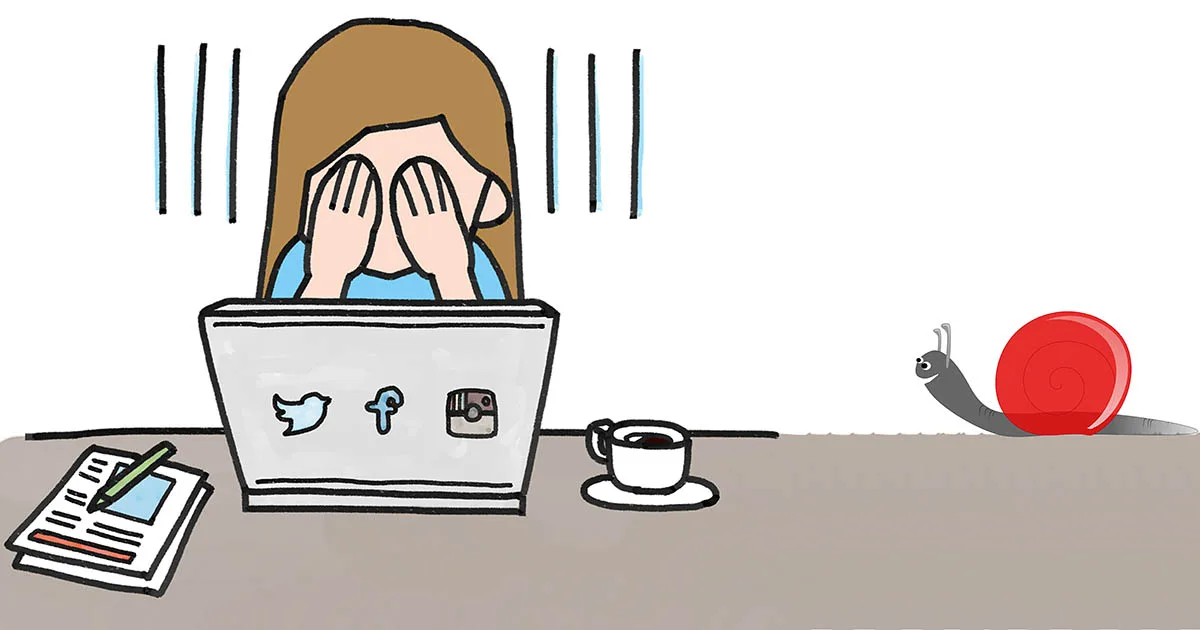
Slow computer, slow laptop? Not anymore!
15 July 2019
There are various “miracle” programs and small USB sticks out there promising to transform your slow computer into a “next-generation machine” in minutes. The truth is simple: none of them actually make your computer faster.
The key question: new computer, or upgrade/maintain the one you have?
If you bought a base-spec device years ago and now want to run demanding applications, no amount of maintenance will fix that — you need new hardware. But if your device was originally solid and has simply gotten “heavier” over time, there’s almost always a fix.
What actually makes a difference
- Memory (RAM) upgrade. The most common, affordable upgrade with an immediate effect on everyday use.
- Replacing the hard drive with an SSD. Probably the single most noticeable upgrade available — an old computer with an SSD feels reborn.
- Cleaning out unnecessary programs and viruses. Many programs load automatically at startup without you needing them, slowing the machine down.
- A hardware diagnostic check. A hard drive that’s starting to fail can dramatically slow a computer down long before it fails completely.
What doesn’t help
“Speed-up” USB sticks, free “cleaner” programs of dubious origin, and generic advice with no real diagnosis behind it.
The best first move is always a diagnostic check by a qualified technician, who will tell you honestly whether an upgrade is worth it or whether it’s time for a new device.