

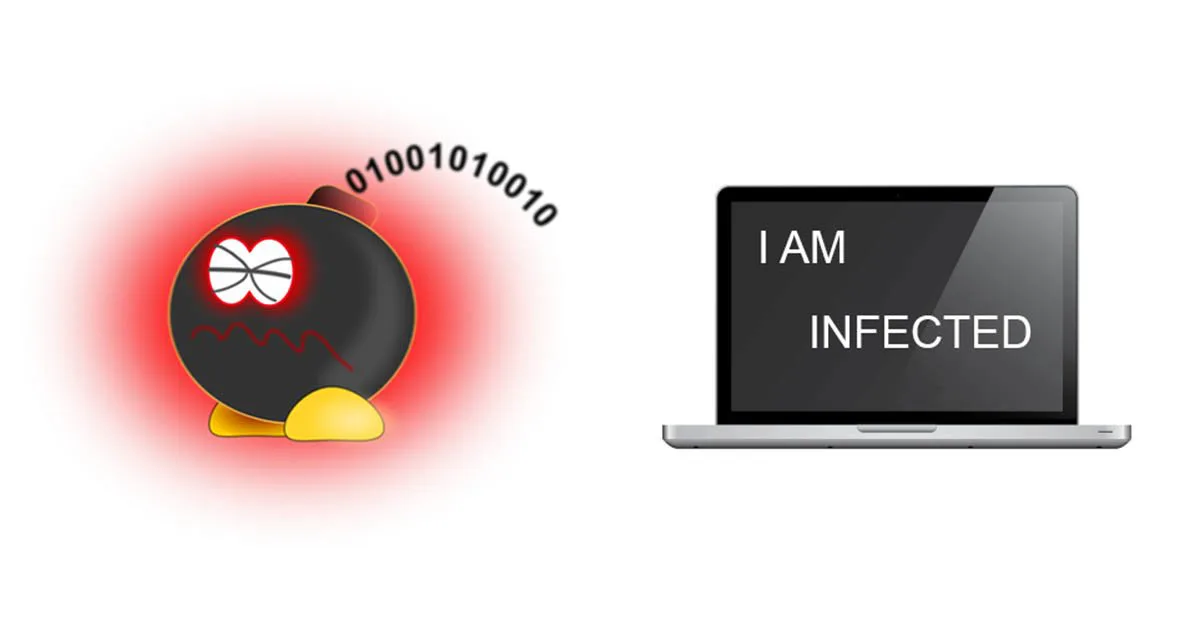
How did I get a virus?
12 March 2019
“Your computer has been infected by a virus” is a phrase that causes a lot of confusion. A computer virus is software built to reproduce and spread from machine to machine, causing some kind of problem. Today the same category also includes worms (which eat up system resources), trojan horses (which give hackers access) and spyware (which tracks your activity).
The most common ways computers get infected
- Opening attachments from emails you weren’t expecting.
- Accepting installations without reading carefully — clicking “next, next, next” instead of choosing custom install.
- Downloading software from untrustworthy sources.
- Using an infected USB stick or external drive.
- Skipping operating system updates.
- Downloading movies/music/software from illegitimate sources.
- Not having an up-to-date antivirus.
- Connecting to unknown Wi-Fi networks without precautions.
- Sharing one computer between multiple people — the more users, the higher the risk.
How to tell you’ve been infected
Your antivirus warns you of a threat, disables itself unexpectedly, you see pop-ups while browsing, your browser redirects to unrelated sites or your homepage has changed, the computer slows down dramatically, new desktop icons appear, or files vanish or get renamed. Word of caution: some modern malware shows no symptoms at all — it works silently to steal your passwords.
Which antivirus should I choose?
There are plenty of reliable options (Bitdefender, Kaspersky, ESET, Norton, and others) — free or paid, basic or full protection. The best choice depends on how you use your computer, so trust your technician’s recommendation.
If you think you’re already infected, don’t try to “clean” it yourself — it often makes things worse. A good antivirus, combined with careful browsing habits, covers the needs of the vast majority of users.